
Reusable category
A utility template can retain the Utilities category so similar bills remain grouped in reports.
Learn how a transaction template preserves repeated details for future entries, why it is not itself a payment, and which dates and amounts to check when records vary.
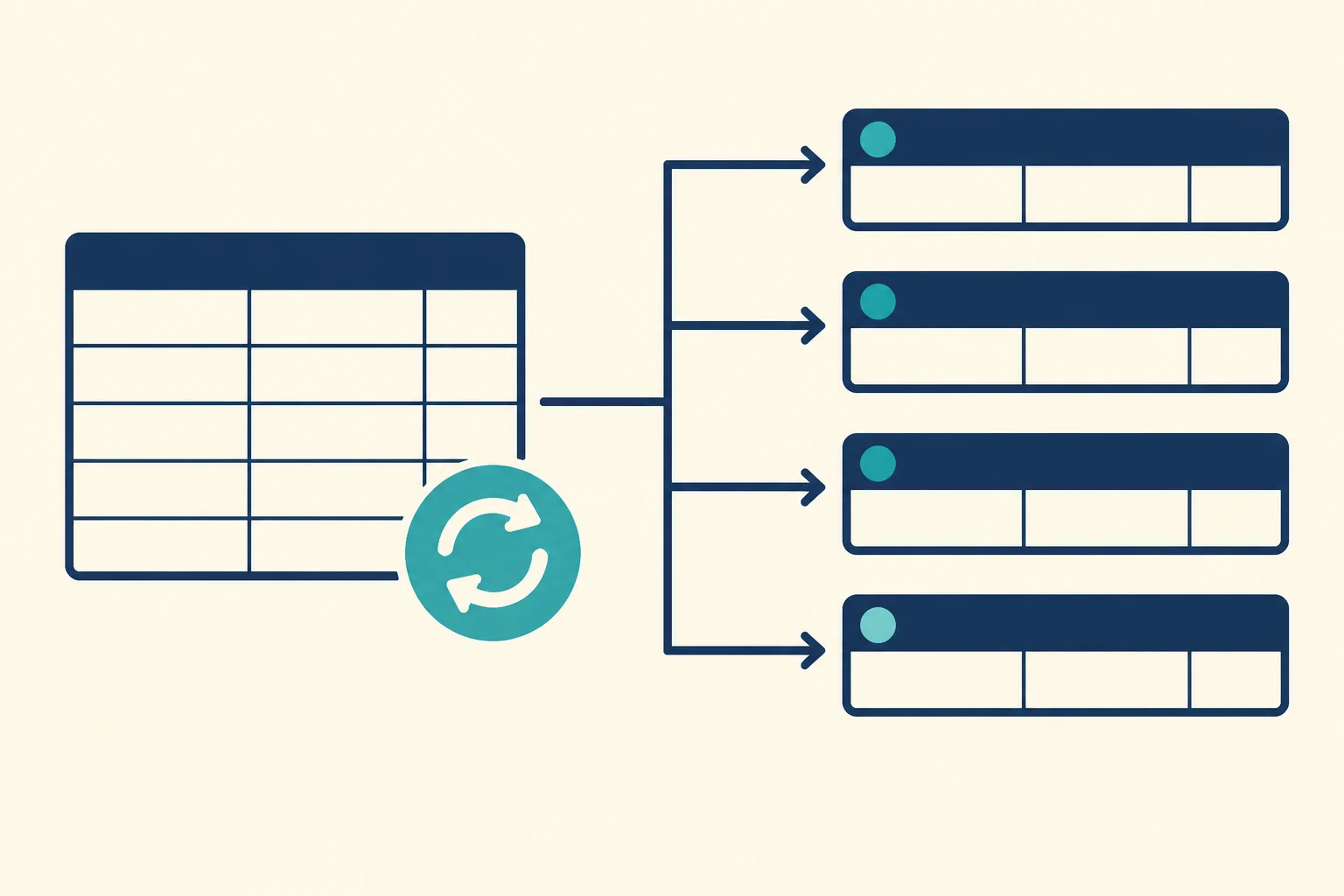
A transaction template is a reusable set of entry details, such as a payee, category, account, or memo. It gives someone who enters the same kind of expense regularly a consistent starting point, while allowing details like the date and amount to be checked and changed for each occurrence.
The template is a structure, not evidence that money moved. A payment becomes part of the transaction record only when an individual entry is created and recorded. Keeping those ideas separate makes it easier to review utility costs, compare planned and actual dates, and avoid counting an unused template as an expense.
Use the saved structure for consistency, then verify each new entry against the bill and the account record.
A utility template can retain the Utilities category so similar bills remain grouped in reports.
Check the date for each occurrence; a saved pattern does not confirm when a payment was recorded.
Review the current bill before recording it, since usage-based utility charges can change from month to month.
Move from the fictional record to the explanation and its practical takeaway.
A template can carry forward the payee and expense category while each recorded bill keeps its own date and amount. The sample below is fictional and provided for learning; each row represents a separately recorded occurrence, not the template itself.
Templates suit people who enter recurring bills, membership charges, or other familiar transactions and want the same core details applied consistently. Treat each use as a new entry that needs a quick check.
Check the payee, account, category, and memo. Correct anything that no longer describes the transaction.
Use the bill or source record to confirm the amount and the date instead of assuming last month’s values still apply.
Apply the reusable structure to a distinct transaction. The saved template alone does not add a payment to the ledger.
After recording, compare the entry’s date and amount with the source document and the relevant reporting period.
A template can repeat the structure of an entry; only an individual recorded transaction represents a movement in the ledger.
A saved pattern can make recurring entries easier to handle, but it can also blur the line between preparation and completed recordkeeping.
Do not include a reusable structure in expense totals. Look for the individual transaction entry and its recorded status.
A previous utility charge may not match the current bill. Verify variable amounts before creating the new record.
A date carried forward or expected by a schedule is not necessarily the date shown by the recorded transaction. Compare both when timing matters.
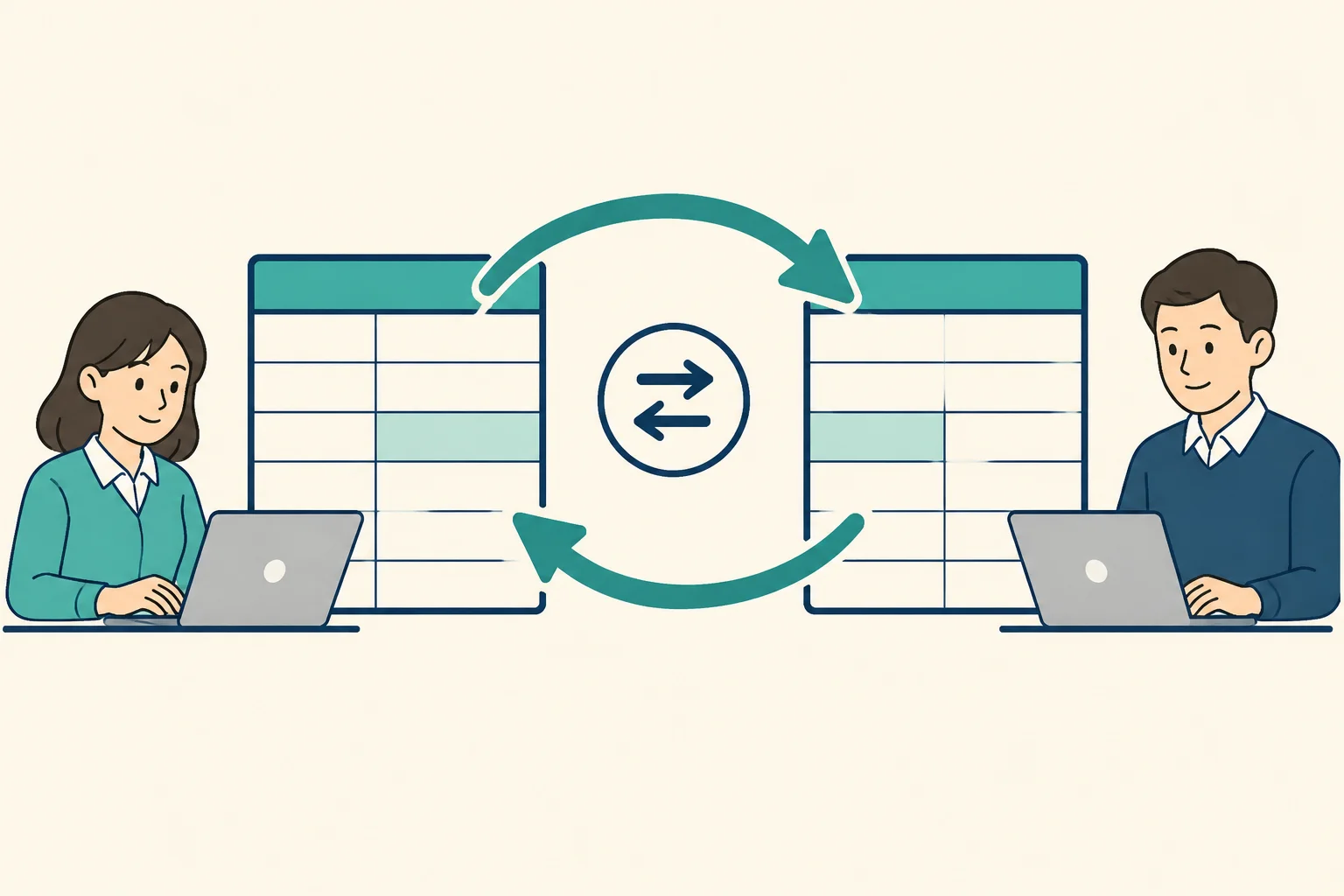
A transfer between accounts moves existing funds; it is not ordinary income or an expense. Classify both sides as a transfer and avoid adding both sides to income-and-expense totals.
Use a template to carry forward stable details, then verify the date, amount, and classification for each occurrence. When reviewing totals, count the recorded entry—not the reusable pattern—and treat internal transfers separately from income and expenses.
Explore how calendar intervals and recorded dates shape the way recurring entries are read.
09/22/2026
See why internal transfers need their own classification in periodic records, and how separating both sides of a transfer prevents misleading income and expense totals.
Read guide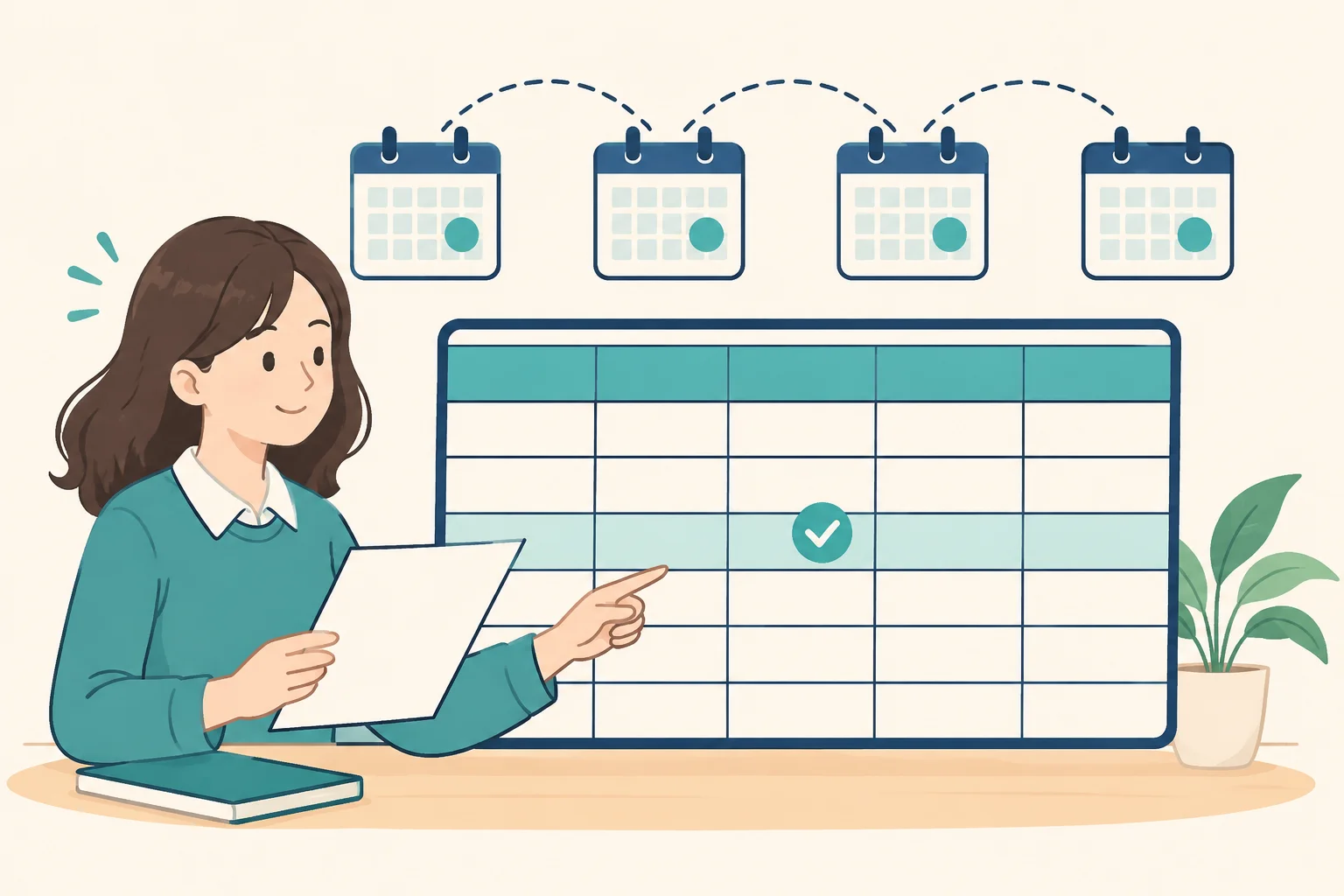
11/18/2026
Learn how recurring transaction records describe expected patterns over time, and how to distinguish those plans from individual transactions entered in the ledger.
Read guide