
Start with the record lifecycle
HomeBank’s desktop program brings scheduled transactions, reusable transaction entries, and time-based reports into one personal-finance workflow. Begin by identifying what is planned, what has been recorded, and which date range a report covers; that distinction prevents an expected entry from being mistaken for a completed transaction.
For a fictional example, a household plans a recurring $48 utility payment for November 12. The entry is recorded on November 14. A schedule view describes the expected date, while the recorded entry reflects the date entered in the register. These dates can differ without changing what each field means.
Read schedules and reusable entries
A scheduled transaction describes a future occurrence and its timing. A reusable transaction entry provides a structure for entering familiar details again; it should not be confused with proof that a transaction has happened. Check the date, amount, account, and transaction type before interpreting a future entry as part of recorded activity.
See a fictional entry example
A reusable rent entry contains a fictional amount of $1,450 and a monthly schedule. The November occurrence is expected on November 1, while the register shows it recorded on November 3. The example illustrates separate schedule and record dates; it does not describe an actual payment or a software screenshot.
Use reports to answer a narrower question
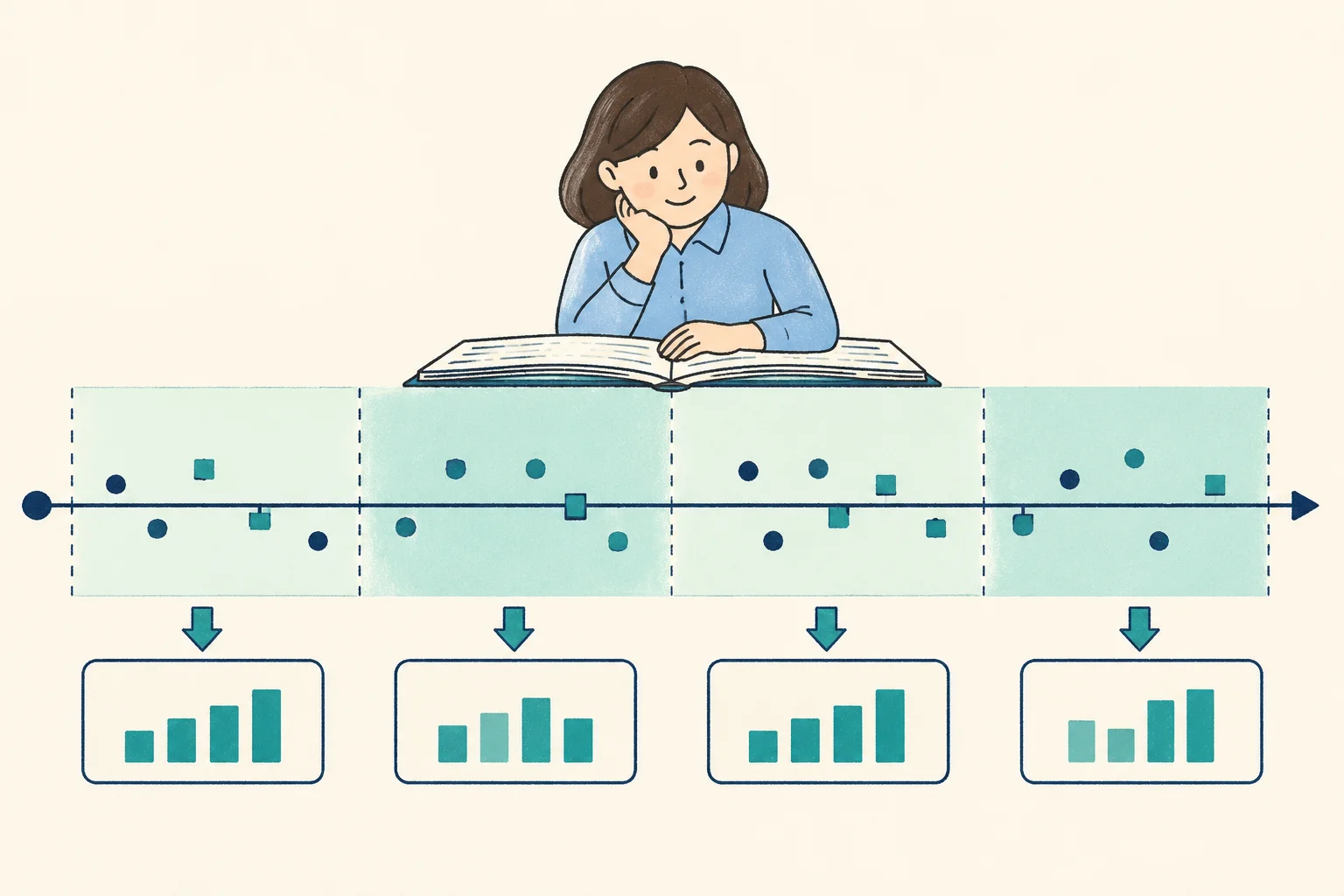
A time-based report summarizes activity within a selected period, so its date boundaries matter. A fictional report ending October 31 does not include an entry recorded November 1, even when that entry belongs to a recurring series that began earlier. Compare the report range with the recorded dates before treating a difference as a missing transaction.
Trend Time reports offer a focused way to examine changes across periods. When the question concerns how the chart’s range affects what appears, continue with Reading HomeBank Trend Time Reports. For a general comparison of date windows, see How Reporting Periods Change Transaction Views.
Check the desktop version context
As of November 27, 2026, the latest listed desktop HomeBank version is 5.10.4, released November 12 as a bug-fix update. Earlier 2026 updates addressed specific issues: versions 5.10.1 and 5.10.2 fixed recurring-transaction problems in June, while 5.10.3 fixed a statistics-report date-filter error and a templates issue in September.
Those desktop release details do not describe the separate Apple app from homebank.app, which was presented as a TestFlight beta in November 2026. Keep product references distinct when comparing instructions. Diagrams in this guide explain record relationships; they are conceptual and should not be read as captures of the HomeBank interface.