What a HomeBank schedule represents
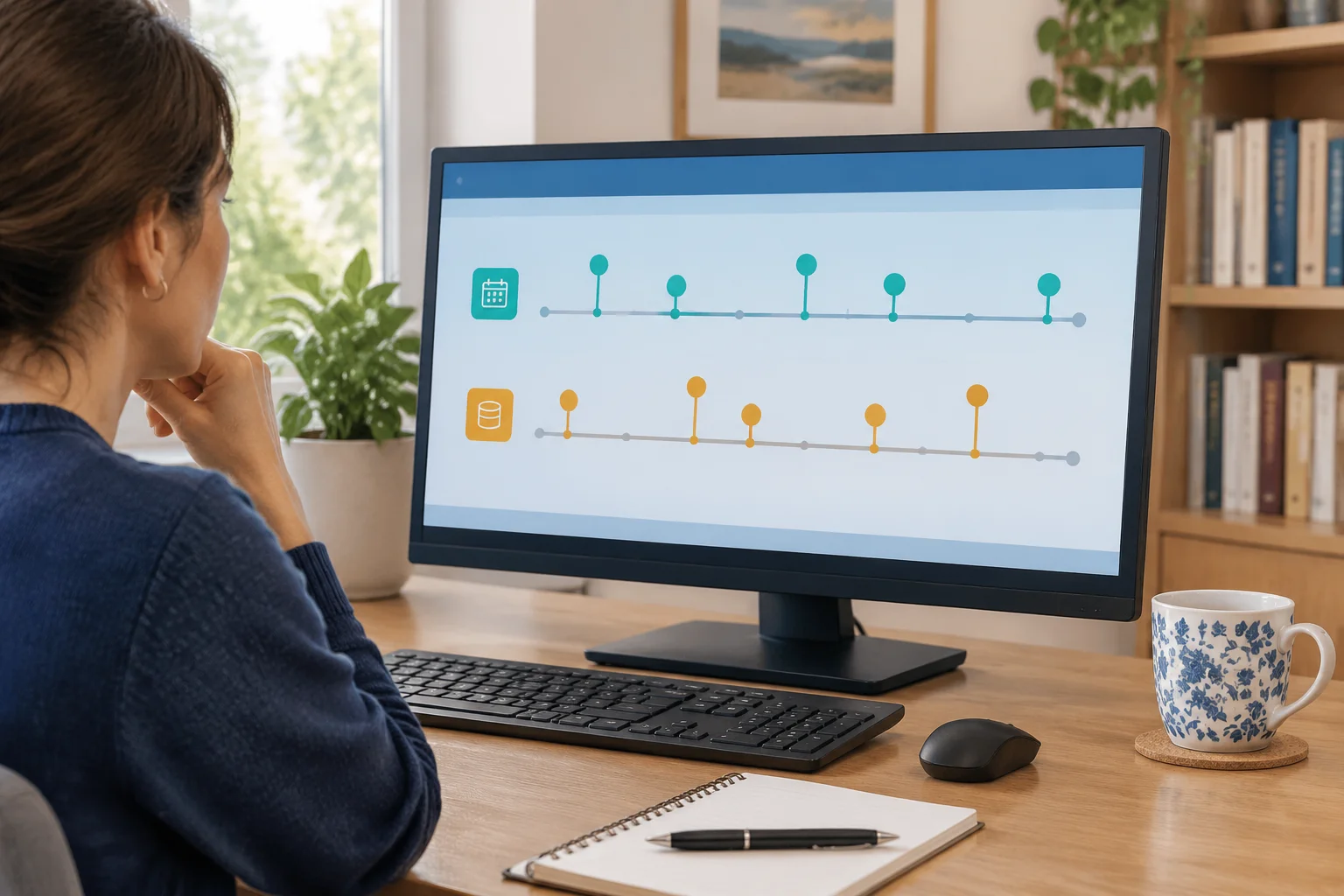
In the free HomeBank desktop program for Windows and GNU/Linux, a scheduled transaction is a plan for a future record. It gives the budget a forward-looking entry to work with, but it does not initiate a bank transfer, charge a card, or prove that money has moved. Treat the schedule as expected activity and the recorded transaction as the entry that represents activity logged in the account.
Scheduling is not payment execution
HomeBank stores and organizes financial records; a scheduled entry is not an instruction to a bank. Check the account or payment provider separately to establish whether a payment was actually made.
Compare planned and recorded entries
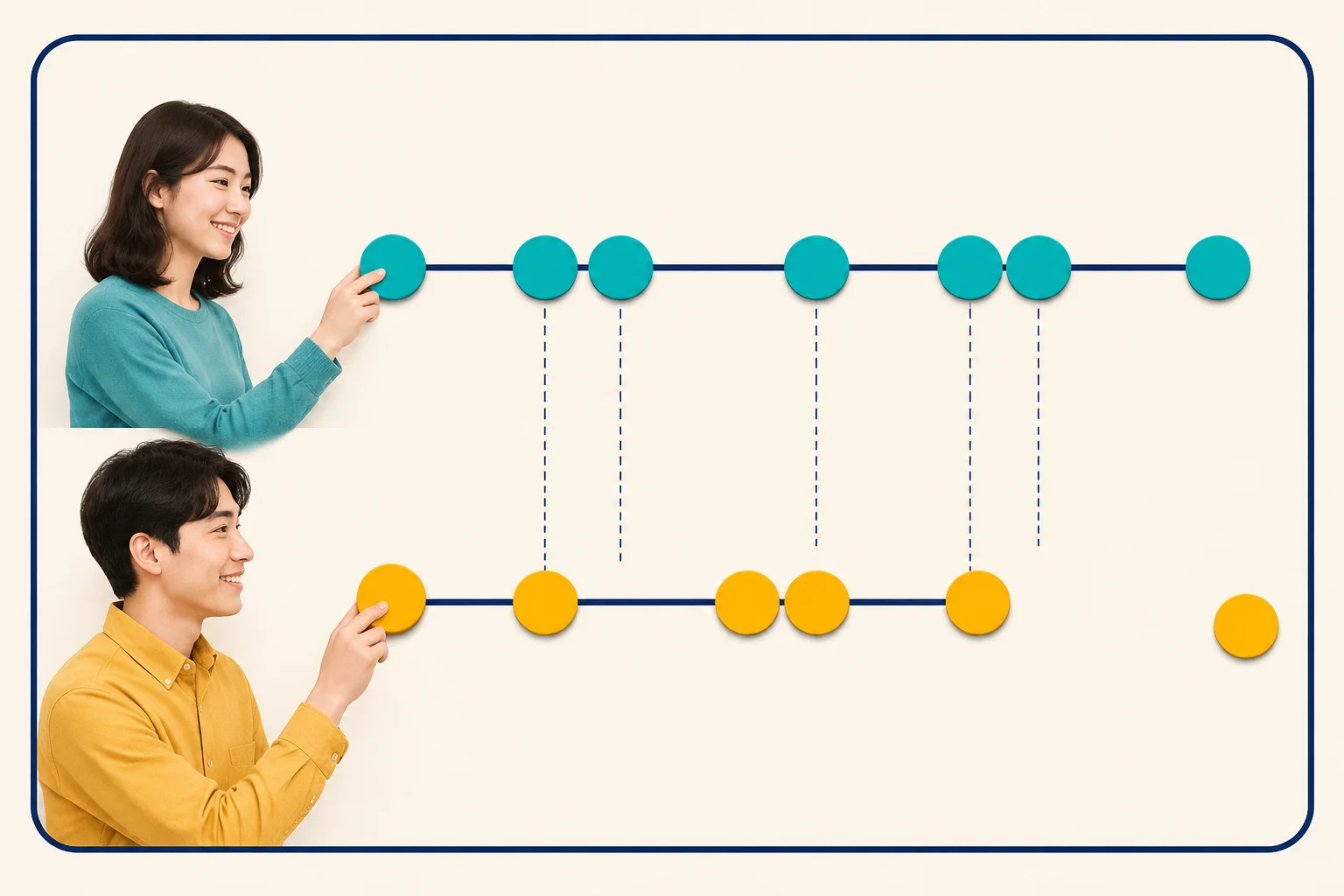
The fictional comparison below shows how a scheduled item can relate to recorded activity without treating its planned date as proof of execution. Similar descriptions can help identify a possible match, while different dates or missing counterparts still need context.
Expected and recorded comparison
- Possible match
- Scheduled: November 4, rent, $1,250. Recorded: November 5, rent, $1,250. The label and amount align, but the one-day difference does not establish why the dates differ.
- Unmatched scheduled entry
- Scheduled: November 12, electricity, $86. No corresponding recorded entry appears in this fictional sample through November 15.
- Unmatched recorded entry
- Recorded: November 20, internet, $65. No scheduled counterpart appears in this sample; it may be an unscheduled record or fall outside the schedule being compared.
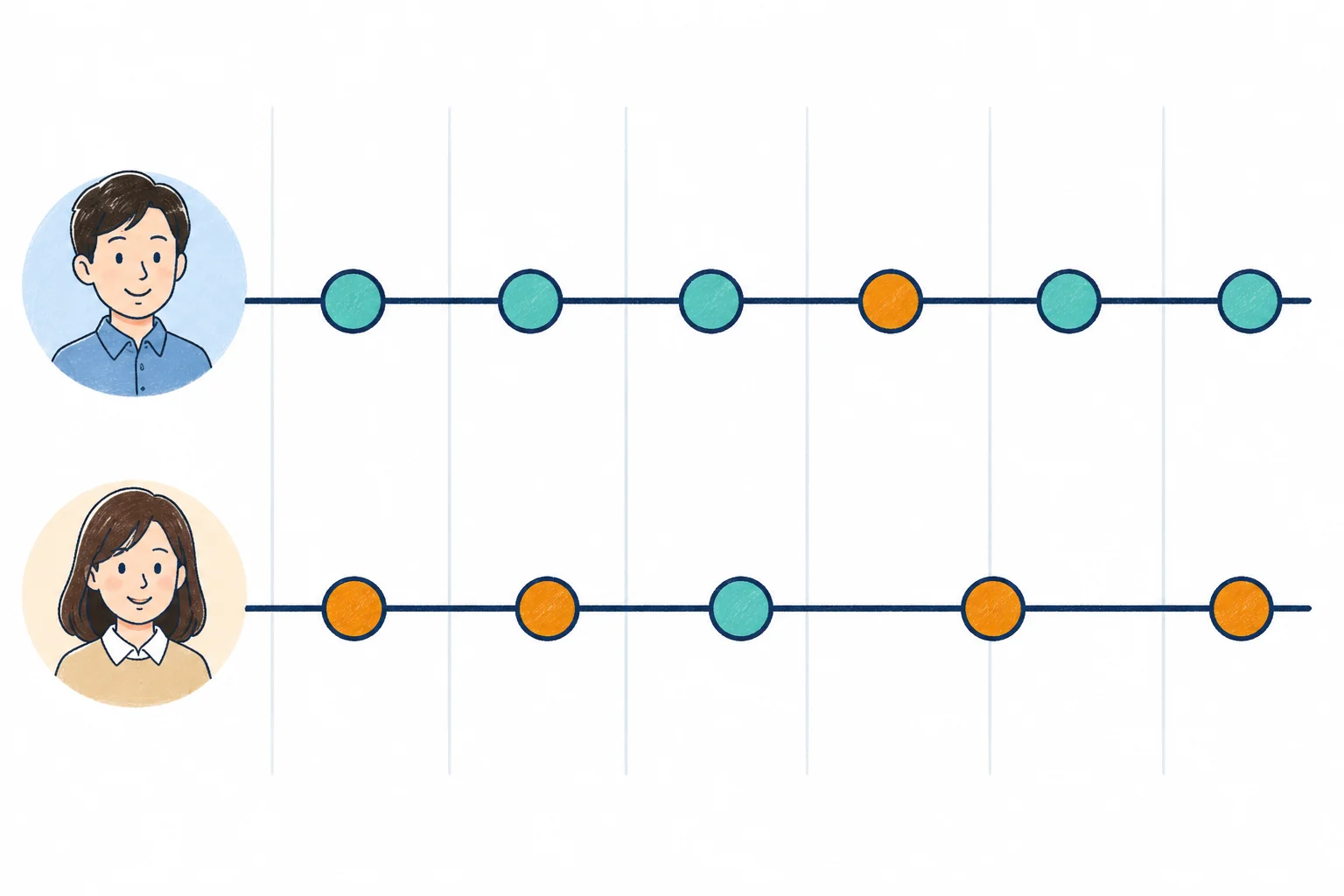
Two-lane transaction timeline
Planned in HomeBank
November 4: rent, $1,250. November 12: electricity, $86.
Recorded in the sample
November 5: rent, $1,250. November 20: internet, $65.
Read the comparison window
The sample ends on November 15 for the scheduled electricity item, so its absence from recorded entries is limited to that window. A schedule alone cannot show whether a payment was made outside the records being reviewed.
Work through the HomeBank example
Start with the November rent entries. Their descriptions and amounts match, and the recorded date is one day after the scheduled date. That makes them a plausible pair for review, not proof that HomeBank executed a payment. The electricity plan has no recorded counterpart in the stated window, while the internet record has no scheduled counterpart in this example.
- Locate the scheduled item. Note its planned date, description, account, and amount; these details define what the plan represents.
- Find recorded candidates. Compare account and description first, then check amount and date. A date shift can reflect timing, a changed record, or another circumstance not established by this sample.
- Keep unmatched items separate. Record which scheduled or recorded entry lacks a counterpart and preserve the comparison dates.
- Verify payment outside the schedule. Use the relevant account or provider records to confirm execution; HomeBank's plan by itself does not do so.
- Review the reporting period. Check whether the date range includes the expected and recorded dates before interpreting an apparent omission.
Desktop version and timing pitfalls
As of November 27, 2026, the latest listed desktop release is HomeBank 5.10.4, released November 12 as a bug-fix update. Earlier desktop releases 5.10.1 and 5.10.2, both released in June 2026, addressed issues involving recurring daily transactions and daily recurring transaction templates. These release details describe the Windows and GNU/Linux desktop program; the separate Apple app is a different product and is not the subject of this guide.
Avoid treating a scheduled date as a bank-confirmed payment date, or assuming that a missing counterpart means a payment failed. A comparison that crosses a month boundary can also separate the planned and recorded entries into different reporting periods. For a deeper look, use the timeline workshop and read about recurring entries across calendar boundaries.
- Scheduled means planned. It represents an expected future record, not an executed payment.
- Recorded means entered activity. It is the transaction data available for comparison, not a substitute for external payment confirmation.
- Matching is a review judgment. Similar dates, descriptions, accounts, and amounts can suggest a relationship without proving one.
- Unmatched is a status, not a verdict. Check the comparison window and relevant account records before drawing conclusions.
- Release context matters. HomeBank 5.10.4 is the listed desktop version as of November 27, 2026, and its November 12 release is identified as a bug-fix update.